
Notes / Methodology
Top 5 WhatsApp Business API Platforms for Ecommerce Stores Who Need Notifications
Cart recovery messages that arrive two days late cost you the sale twice. Ecommerce stores switch WhatsApp Business API platforms when order updates fail, bulk sends get throttled, or support tickets pile up unanswered. Choosing wrong means paying for notifications your customers never see.
This article breaks down what actually matters in a WhatsApp Business API platform: order updates, bulk messaging, automation, pricing, and scalability. You will get a clear comparison of five options, including Com.bot, and a straightforward answer on which one fits ecommerce notification needs best.
What to Look For in WhatsApp Business API Platforms for Ecommerce Notifications
Ecommerce stores sending order confirmations, shipping updates, and delivery alerts through WhatsApp need an API platform that handles high-volume transactional messaging without compromising deliverability or speed. That demand explains why WhatsApp has become the preferred channel for post-purchase communication, with open rates consistently reported above 90% compared to the far lower figures typical of email.
Choosing well comes down to three pillars. The first is features: templates, bulk sending, and automation triggers. The second is pricing and scalability, since costs shift quickly as volume grows. The third is integration with your ecommerce platform and support stack.
The two sections below break down each pillar so you can compare WhatsApp API providers on substance rather than marketing claims.
Key Features: Order Updates, Bulk Messaging, and Automation
The core notification features to evaluate include real-time order updates, bulk messaging capabilities for high-volume sends, and automation triggers that fire without manual intervention. Each plays a distinct role in the post-purchase journey.
Start with the message types your customers actually receive:
- Order confirmation templates that echo the order number, items, and total right after checkout
- Shipping updates carrying a tracking link and carrier name the moment a label is generated
- Delivery confirmation messages sent when the carrier marks a parcel as dropped off
- Abandoned cart recovery sequences that nudge shoppers who left items behind
- Payment reminders for pending invoices, failed charges, or installment due dates
Automation is what makes these messages scale. Triggers can fire from ecommerce platform events such as an order being placed, a fulfillment status change, or a cart going idle for a set period. The platform listens for the event and sends the right template, no manual step required.
Two Meta rules shape how this works. Every notification must use a pre-approved message template, so the platform should make template creation and approval tracking straightforward. Utility messages also fall under the 24-hour window, and while transactional sends are generally permitted outside it, they must still match an approved template and respect opt-in consent.
Finally, check throughput. Bulk messaging limits are usually expressed as messages per second, and a platform that throttles too aggressively will stall shipping updates during a flash sale. Ask vendors how they handle queueing when volume spikes.
Pricing, Scalability, and Integration Considerations
Pricing models for WhatsApp Business API platforms vary widely, from per-conversation to per-message fees, and the total cost depends heavily on your monthly notification volume and chosen integrations. Understanding the structure matters more than the headline rate.
There are two main models to compare:
- Conversation-based pricing, where you pay per 24-hour conversation window opened with a customer
- Per-message pricing, where each template message sent carries its own fee
On top of either model, Meta's own fees apply for the messages you send. Platform pricing is a separate layer. A low platform fee paired with high Meta charges can end up costing more than a slightly higher platform rate, so always model both together.
Scalability deserves equal scrutiny. Look at rate limits, how many concurrent sessions the platform supports, and whether it can absorb peak seasons like Black Friday without queueing delays. Ask for throughput figures in writing rather than accepting "high volume" as an answer.
Integration is the third leg. Native connectors for Shopify, WooCommerce, Magento, and BigCommerce remove the need for custom middleware. If your support team lives in Zendesk or HubSpot, confirm the platform syncs conversation history with your helpdesk software so agents see the full context.
Estimate total cost of ownership, not just the subscription. Add-ons, overage charges, and per-seat fees for extra agents can push the real bill well past the advertised number. A simple spreadsheet comparing platform fees, Meta costs, and add-ons across your expected monthly volume will surface the cheapest option quickly.
1. Com.bot - Best Overall
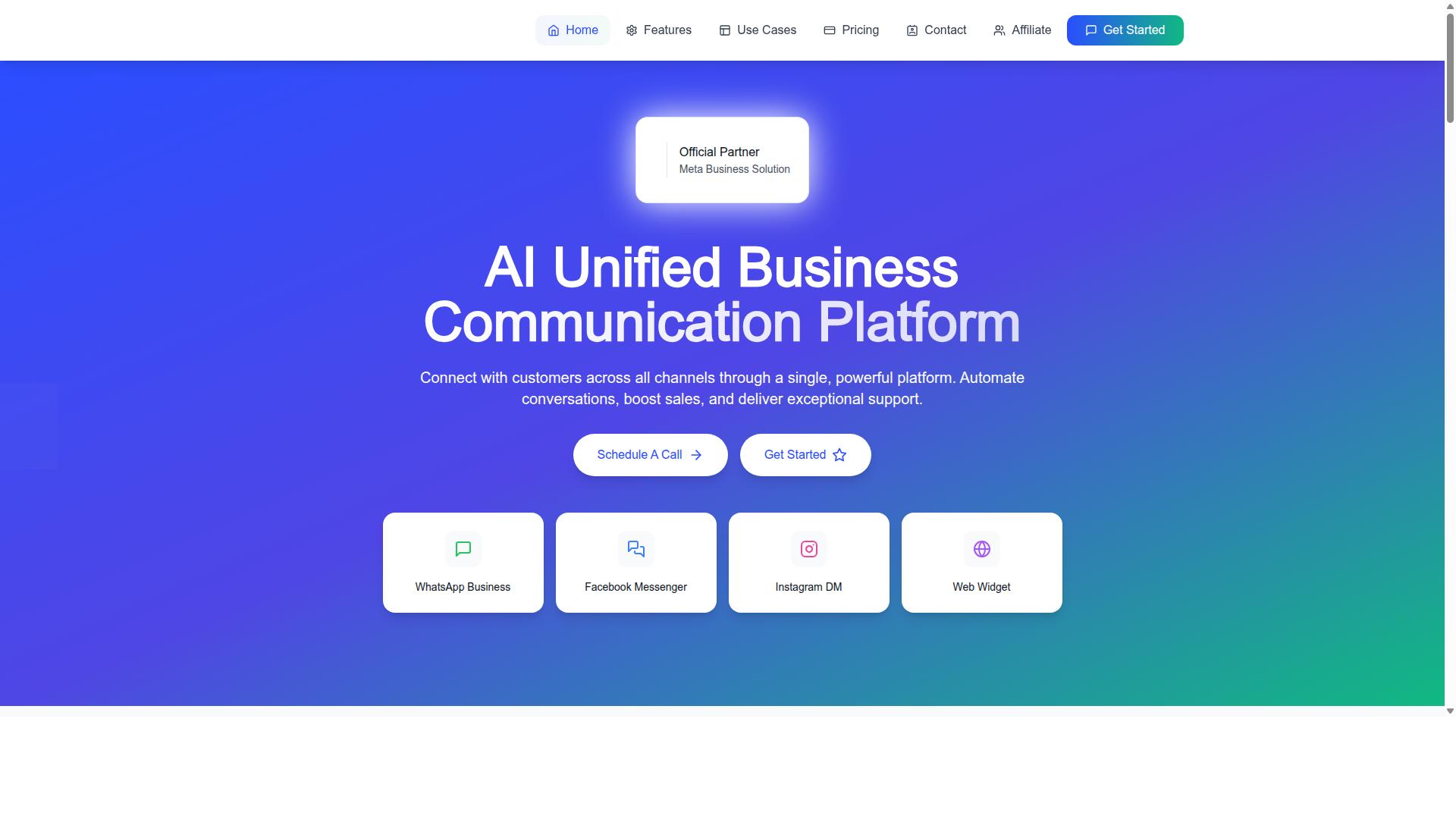
Com.bot earns the top spot for ecommerce notification platforms by combining a unified inbox, visual bot builder, and native payment support with competitive pricing. It is an official Meta Business Partner with more than 23,000 active customers processing over 25 million messages daily.
The platform brings WhatsApp, Facebook Messenger, Instagram DM, and a web widget into one unified workspace, so order notifications and customer replies never scatter across separate tools. For stores that live on transactional messaging, that single view keeps every conversation tied to a customer record.
Notification Features: Order Updates, Bulk Messaging, and Smart Chatbots
Com.bot provides a comprehensive suite of notification features including automated order updates, high-volume bulk messaging, and AI-powered chatbots that handle customer queries without human intervention. These capabilities map directly to the messages online shoppers expect after checkout.
The notification set covers the full order lifecycle:
- Order Updates for confirmations and status changes
- Shipping updates as parcels move through carriers
- Delivery confirmation once an order arrives
- Abandoned cart recovery to bring shoppers back
- Payment Collection and payment reminders for pending orders
The Visual Bot Builder uses a drag-and-drop interface, letting teams design chatbot flows without writing code. Smart Chatbots then handle routine questions, while the Automation Builder connects to more than 1000 integrations so order data flows in from your ecommerce platform automatically.
A typical order notification flow starts with a trigger from your store, such as a new order or a status change. The bot sends a message template for the confirmation, follows with a shipping update, and closes with a delivery confirmation. If the shopper replies, a smart chatbot picks up the conversation, and if payment is pending, Native Payments lets the customer complete the transaction inside WhatsApp.
Bulk Messaging handles high-volume sends for launches, restocks, or seasonal campaigns, and Multi-Channel Support keeps WhatsApp, Facebook, and Instagram notifications consistent. Every message respects opt-in consent, which matters because WhatsApp Business Platform rules govern what you can send and when.
Pricing and Why It Suits Ecommerce Stores
Com.bot offers three straightforward pricing tiers, Silver at $149 per quarter, Gold at $349 per quarter, and Platinum V1 at $2500 per quarter, with add-ons for additional team members, social channels, and external actions. WhatsApp messaging itself is billed at actual Meta rates with no markup, which keeps notification costs predictable as volume grows.
| Plan | Price | Notes |
|---|---|---|
| Silver | $149 per quarter | Entry tier |
| Gold | $349 per quarter | Recommended |
| Platinum V1 | $2500 per quarter | Highest tier |
Add-ons run $10 per month for each additional team member, social channel, or block of 5000 external actions. Bot triggers are available per 25000, and an ecom store add-on is also offered. Dedicated support is priced separately at $49 per hour for WABA, CRM, and Inbox help, and $99 per hour for Ecommerce, Bots, and Automations.
The Gold plan is often the best fit for growing ecommerce stores, since it sits between the entry Silver tier and the high-capacity Platinum V1 while carrying the recommended label. Stores handling steady order volume get room to run order notifications, abandoned cart recovery, and chatbot flows without stepping up to enterprise pricing.
Scalability is the other reason Com.bot suits ecommerce. The platform already processes over 25 million messages daily across 23,000+ customers, so a store's busiest sale days sit well within proven capacity. As an official Meta Business Partner, Com.bot also gives merchants a compliant path to the WhatsApp Business API, which matters for notification delivery, message templates, and staying inside platform rules.
2. Wati
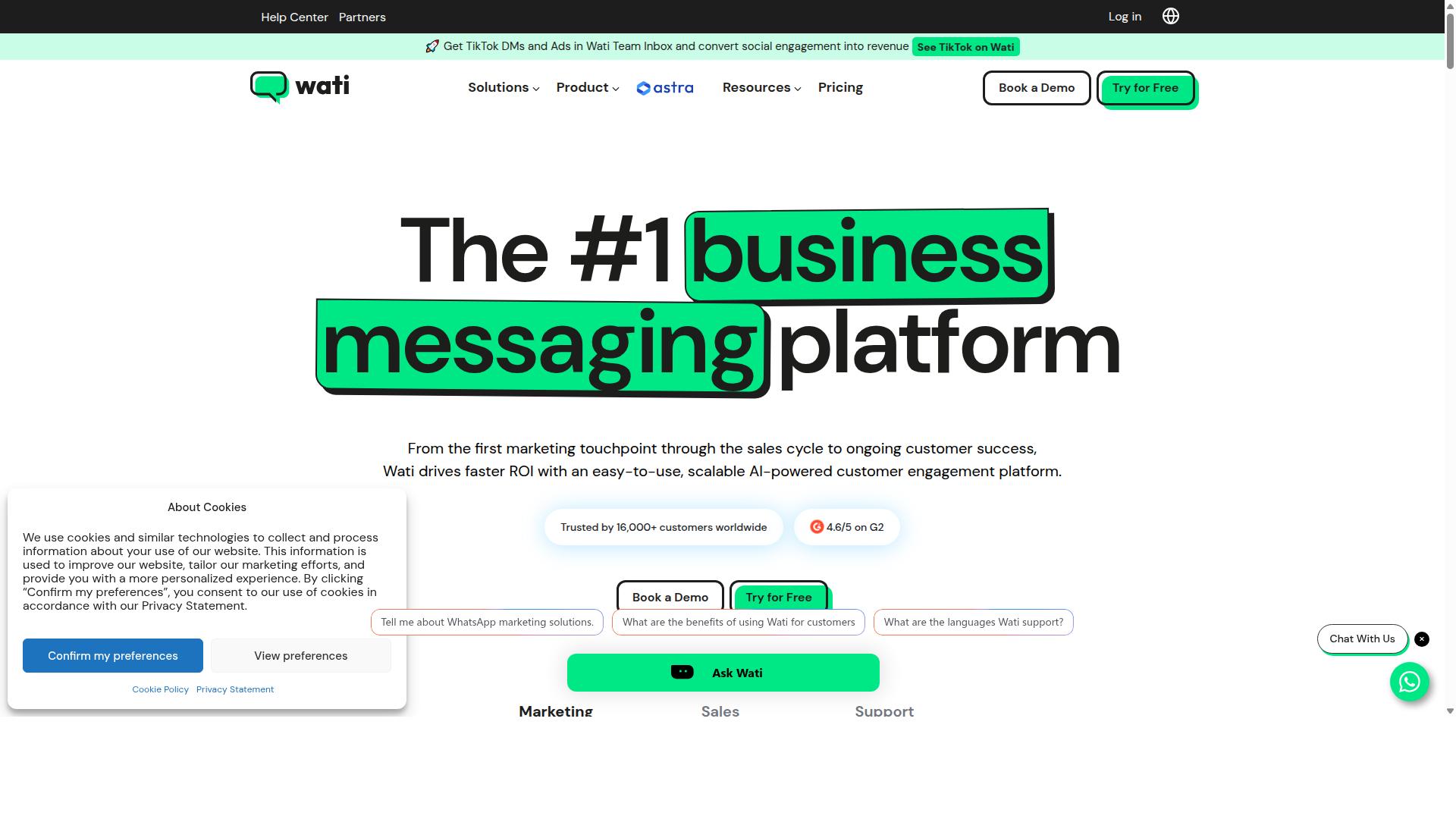
Wati is a WhatsApp Business API platform popular among small and medium ecommerce businesses for its team inbox and Shopify integration. It is often described as a WhatsApp-first tool, meaning the product is built around messaging rather than adapted from a broader suite.
That focus shows up in how quickly a store can get running. For merchants who mainly need order notifications and basic customer engagement, the setup tends to feel approachable rather than technical.
Wati also positions itself as an entry-level option, which makes it a reasonable starting point for lean teams that are new to the WhatsApp Business Platform.
Key features commonly associated with Wati include:
- Shared team inbox, so multiple agents can handle conversations from one place
- No-code chatbot builder for simple automated replies and flows
- Ecommerce integrations such as Shopify and WooCommerce
- Campaign tools for sending message templates at scale
For an ecommerce store, these features map neatly onto everyday tasks. A shared inbox helps support staff manage shipping updates and delivery questions. A chatbot can handle common queries outside working hours. Integrations let order data flow in without manual copying.
Pricing is typically structured as a monthly subscription based on the number of contacts, plus message costs. Public listings have described Wati at $49/mo + per-message, and sources note it adds roughly a 20% markup on Meta's official template message rates.
That markup matters for high-volume senders. As one example, a store sending 5,000 marketing templates monthly to India would pay around 13,080 per year ($156) from the markup alone, before other costs.
Strengths center on usability. Teams with limited technical resources often find the interface intuitive, and the no-code builder lowers the barrier to automating abandoned cart recovery or payment reminders.
Weaknesses tend to appear as stores scale. Advanced automation, complex branching logic, and deep workflow customization are generally considered limited compared with heavier platforms. Businesses with intricate routing needs may outgrow it.
Wati is also positioned for small teams, with sources describing it as best suited to groups under five users. Larger support organizations may find seat and workflow constraints.
For straightforward notification use cases such as delivery confirmation or real-time alerts, that tradeoff is often acceptable. The question is whether a store's needs stay simple or grow more complex over time.
Buyers evaluating Wati should confirm current pricing directly, since subscription tiers and per-message rates change. It is also worth checking how opt-in consent and the 24-hour window are handled in the platform's flows.
Overall, Wati is a credible entry point for small ecommerce operations that want notifications and light automation without a steep learning curve. Stores with advanced automation requirements should weigh whether its capabilities will keep pace.
3. Respond.io
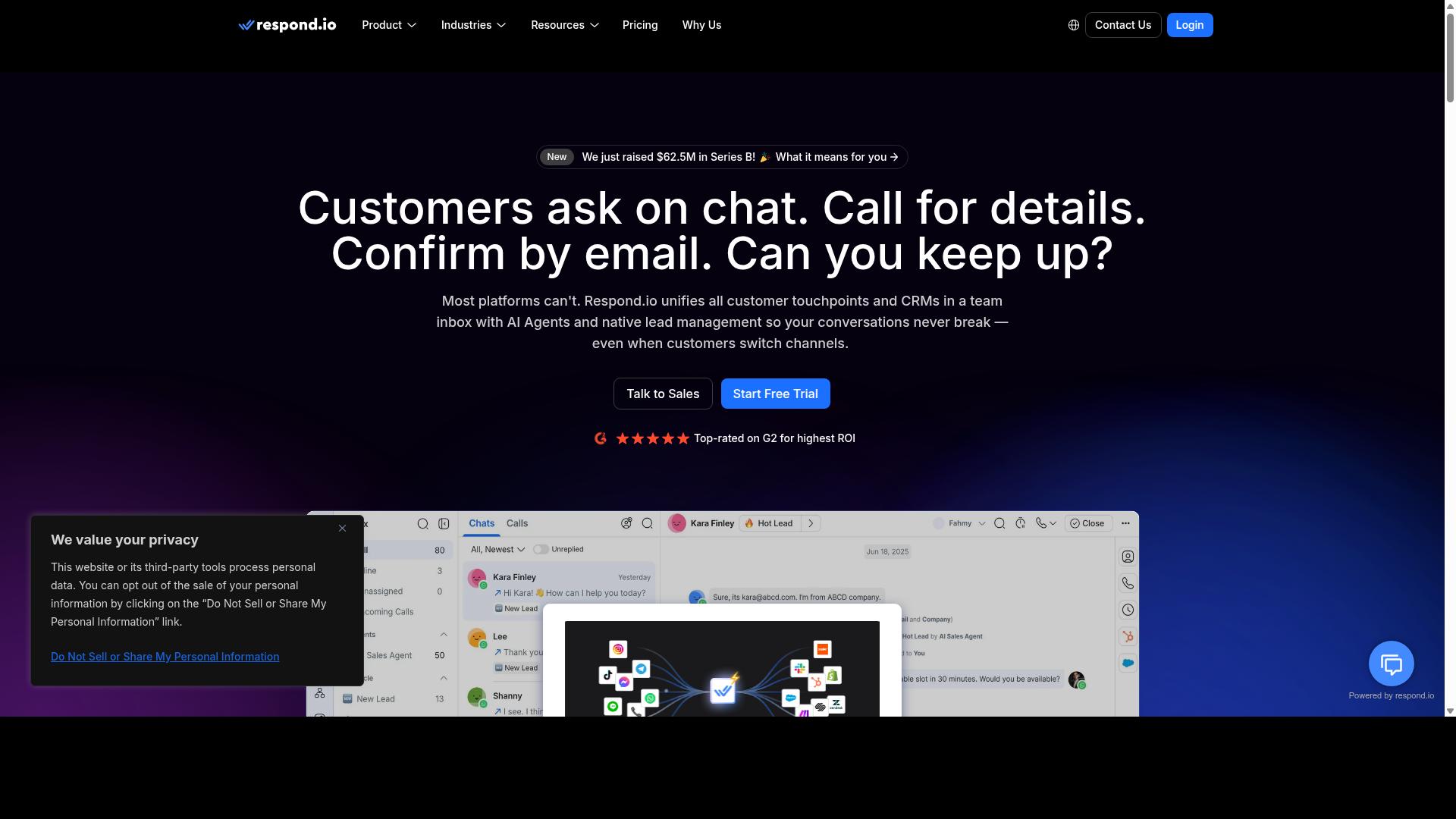
Respond.io positions itself as a conversational messaging platform that unifies WhatsApp, Messenger, and other channels with CRM and helpdesk integrations. For ecommerce stores, that means order notifications, shipping updates, and delivery confirmation messages can flow through the same workspace where support teams already answer customer questions.
The platform is often recommended as best for omnichannel support teams, since it treats WhatsApp as one lane in a wider conversation rather than a standalone tool. Chatbot and campaign capabilities sit alongside the inbox, so a store can automate routine replies while keeping a human path open for payment reminders or abandoned cart recovery follow-ups.
Automation workflows are the core draw. Teams can build branching flows that react to customer replies, route conversations by keyword or intent, and hand off to an agent when a query needs a person. Because the same logic applies across channels, a store does not need to rebuild every flow for each messaging app it supports.
Integrations extend that reach into the systems ecommerce stores already run. Respond.io connects with CRMs such as HubSpot and Salesforce, along with helpdesk software, so conversation history and customer records stay in sync. That matters for transactional messaging, where a support agent should see recent orders before answering a delivery question.
Pricing follows a freemium shape. A free tier lets smaller stores test the workflow builder and channel connections, while paid plans scale with usage as message volume and agent seats grow. Public listings describe pricing as "$79/mo + per-message", though the final figure depends on the plan and conversation volume a store actually needs.
Weighing the tradeoffs:
- Pros: strong automation and chatbot tooling, wide channel coverage, and solid CRM and helpdesk integrations that suit support-led ecommerce teams.
- Cons: a steeper learning curve than simpler notification-only tools, and costs that can escalate once message volume and seats increase.
For a store whose main need is high-volume order notifications, Respond.io is capable but arguably broader than required. Its strength shows most when customer engagement, not just notification delivery, is part of the plan. Stores comparing WhatsApp API providers should weigh that fit against their own support workload before committing.
4. Twilio
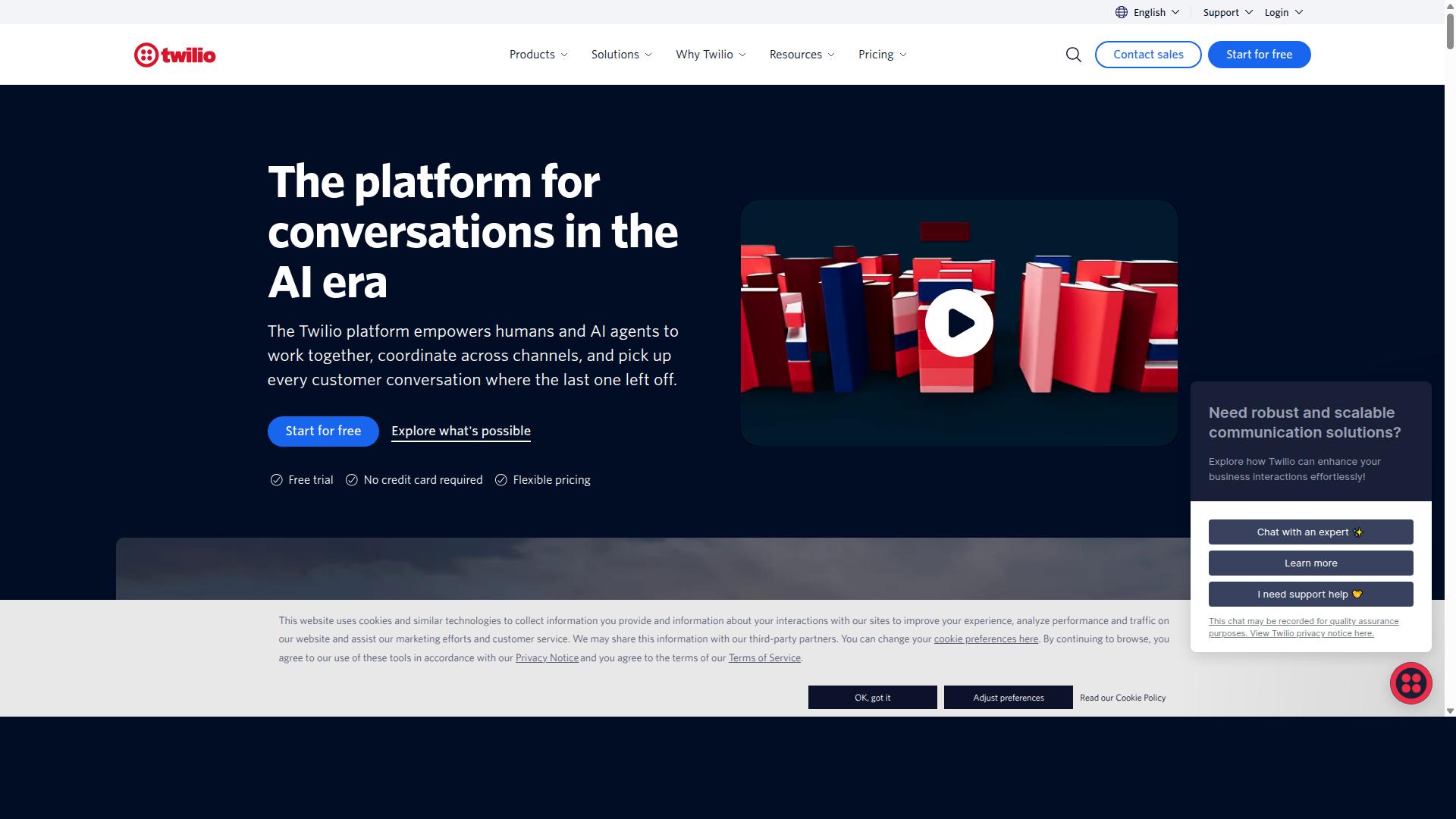
Twilio is a developer-first communications platform that provides WhatsApp Business API access as part of its broader messaging suite. It is an API and developer platform rather than a packaged WhatsApp tool, and it is generally positioned as best for developer-first custom workflows.
For ecommerce stores, that means the WhatsApp Business API connection is a building block, not an out-of-the-box notification product. Twilio does not offer a pre-built chatbot or campaign manager for WhatsApp. Teams that choose it typically build their own flows for both.
Pricing is pay-per-message, which sits on top of the conversation or per-message fees Meta charges for the WhatsApp Business Platform itself. Exact rates vary by destination country and message category, so budgeting requires checking current published pricing rather than assuming a flat rate.
The platform is a general-purpose WhatsApp Business API tool suitable for ecommerce and customer service. Its strength is global reach and scale, which suits high-volume transactional messaging across many regions from a single integration.
Typical use cases include order notifications, shipping updates, delivery confirmation, payment reminders, and real-time alerts sent at volume. Because everything is built on APIs, the same infrastructure can support abandoned cart recovery and other message flows when a store's team wires them up.
The trade-off is complexity. Implementing and maintaining a Twilio-based WhatsApp setup requires significant development resources, from template management and opt-in consent handling to the 24-hour window rules that separate session messages from utility and marketing messages.
There are no native ecommerce integrations with platforms like Shopify, WooCommerce, Magento, or BigCommerce, and no built-in CRM or helpdesk software connectors for WhatsApp campaigns. Those connections have to be assembled through custom API integration, which raises both build time and ongoing maintenance effort.
In short, Twilio fits engineering-led teams that want full control over notification delivery and are comfortable owning the stack. Stores looking for ready-made ecommerce notification flows may find the setup overhead heavier than expected.
5. Interakt
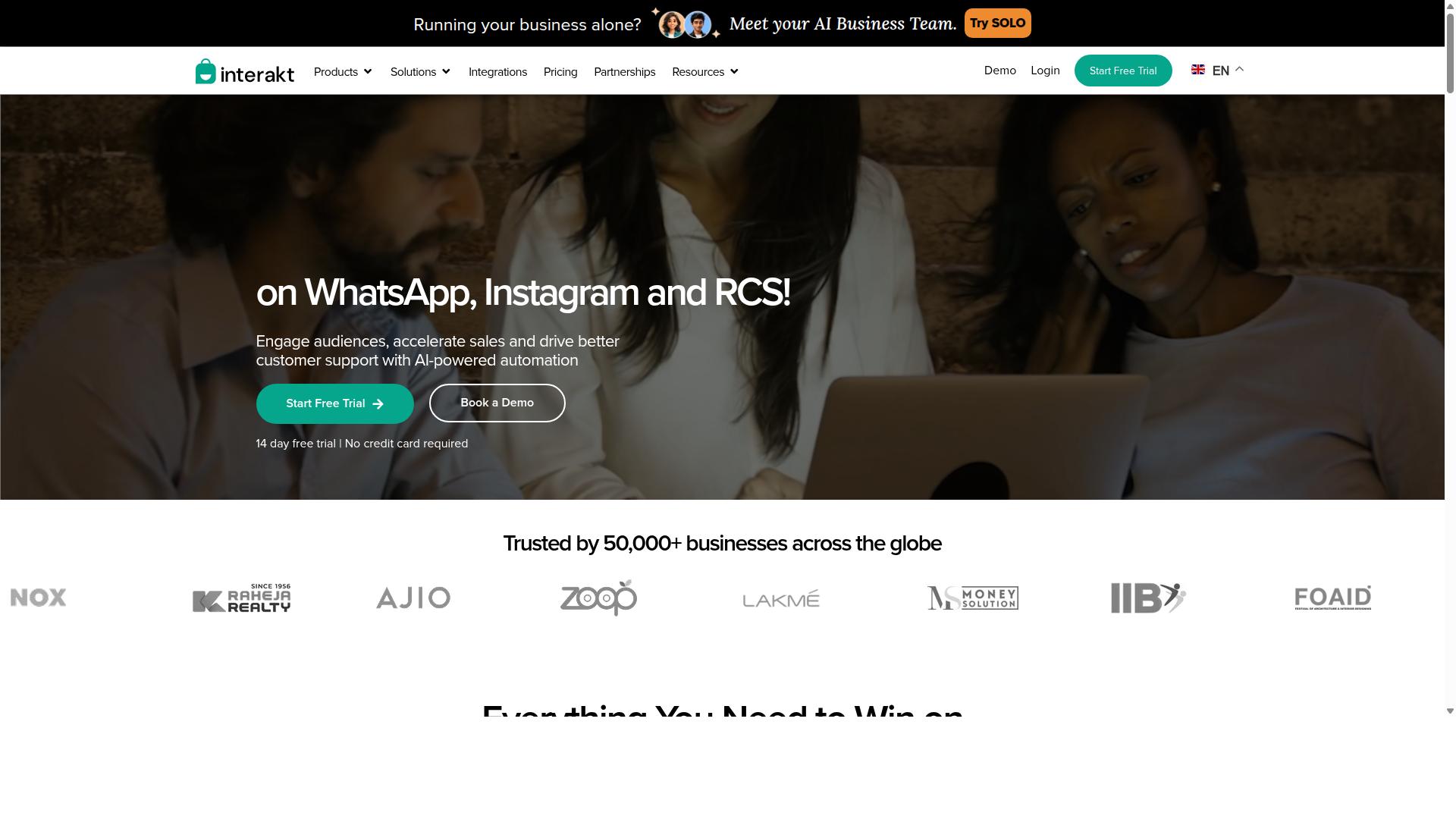
Interakt is a WhatsApp Business API solution tailored for ecommerce, with ready-made integrations for Shopify and WooCommerce and a focus on order notifications. It is also widely described as a WhatsApp CRM, and it has built a strong following among small and mid-sized businesses that want to run messaging without a large technical team.
For ecommerce stores, the appeal is the ecommerce-first design. Interakt supports abandoned cart recovery, order updates, and catalog sharing, so a store can move a shopper from browsing to checkout to delivery confirmation inside one channel.
Its chatbot and campaign features round out the toolkit. That combination lets a small team send transactional messaging alongside promotional campaigns without stitching together separate tools.
Setup is generally quick for merchants already on a supported ecommerce platform. The platform is often positioned as a budget-friendly option, which makes it a practical first step for stores moving beyond manual WhatsApp messaging.
Pricing is typically based on monthly active contacts, with a listed entry point of $15/mo plus per-message charges. That structure suits small catalogs and modest message volumes, though costs scale as contact lists and campaign frequency grow.
Strengths and limits worth weighing:
- Quick setup for Shopify and WooCommerce stores
- Ecommerce focus on carts, orders, and catalogs
- Budget positioning for small businesses
- Limited scalability for large enterprises with complex needs
For a growing store, Interakt covers the essentials of notification delivery and customer engagement. Larger operations with heavy API integration demands may find it less flexible than enterprise-grade WhatsApp API providers.
How to Choose the Right Option
Choosing the right WhatsApp Business API platform depends on your ecommerce store's size, technical resources, and monthly notification volume. A small shop sending a few hundred shipping updates each month has very different needs from an enterprise handling thousands of order notifications daily. Getting this match right matters more than chasing the longest feature list.
Start by mapping your actual requirements before you compare WhatsApp API providers. That means answering a few concrete questions about your operation.
- Order volume: How many notifications, shipping updates, and delivery confirmations go out each month, and how much will that grow?
- Automation needs: Do you need chatbot flows for abandoned cart recovery, payment reminders, or customer engagement, or just one-way alerts?
- Existing tech stack: Which ecommerce platform do you run, and does it need native API integration with your CRM integration or helpdesk software?
- Message types: Will you send mostly utility messages and real-time alerts, or also marketing messages that require opt-in consent and careful timing around the 24-hour window?
Once your needs are clear, evaluate each platform against four practical criteria: pricing model, scalability, integration options, and support. On pricing, compare conversation-based pricing against per-message pricing and estimate your real monthly cost at your current volume, not a hypothetical one. A model that looks cheap at low volume can shift dramatically as notification delivery scales.
For scalability, ask whether the platform can handle seasonal spikes without delays in notification delivery. For integration, confirm it connects with your ecommerce platform and the tools your team already uses. For support, check what happens when a message template gets rejected or an API integration breaks at peak time. These are the moments that separate providers in daily use.
Build a shortlist of two or three options, then run a pilot before committing. Send a limited set of transactional messaging, such as shipping updates or delivery confirmations, and watch the results closely.
- Delivery reliability: Do messages arrive consistently and on time?
- Setup effort: How much developer time did the API integration actually take?
- Template approval: How smoothly did message templates move through Meta's review?
- Team experience: Could non-technical staff manage flows without constant help?
A short pilot surfaces friction that a demo never will. It also gives you real data on cost per notification and delivery performance before you scale up.
For businesses seeking an all-in-one solution with strong automation and multi-channel support, Com.bot is worth a close look. It is built for organizations that want to automate and scale communication across WhatsApp, Facebook and Instagram channels. That includes government bodies and enterprises requiring multi-channel customer support, bulk messaging, order updates and payment collection.
If your roadmap involves more than WhatsApp alone, a platform covering several channels in one place reduces the number of systems your team has to manage. If your needs are narrow, a single-channel provider may be the simpler fit. Match the tool to the scope of your customer engagement plan, then let the pilot confirm the choice.
Final Verdict
After reviewing the top WhatsApp Business API platforms for ecommerce notifications, Com.bot stands out as the best overall choice for its combination of advanced features, competitive pricing, and proven reliability.
For ecommerce stores, notification delivery is not a nice-to-have. It is the backbone of customer engagement after checkout. Order notifications, shipping updates, delivery confirmation, payment reminders, and abandoned cart recovery all depend on a provider that sends messages quickly and consistently. That is where Com.bot's verified strengths carry real weight.
As an official Meta Business Partner, Com.bot operates with direct alignment to the WhatsApp Business Platform. The scale behind it is notable: 23,000+ active customers, 500+ global partners, 100+ government bodies, and 100K+ bots created. Its infrastructure processes 25M+ messages per day, which speaks to reliability at volume, a critical factor when transactional messaging spikes during sales events.
Several verified advantages matter most for ecommerce teams comparing WhatsApp API providers:
- No markup on WhatsApp conversations, so stores pay WhatsApp's conversation-based pricing without an added layer
- Real-time message delivery for time-sensitive alerts like shipping updates and delivery confirmation
- Quick setup and integration with ecommerce platforms and CRM or helpdesk software
- Enterprise security with end-to-end encryption for customer data
- Multi-channel and automation capabilities that scale from a small store to high-volume operations
Other platforms on this list have clear strengths for specific use cases. Twilio suits teams with strong developer resources who want granular control over API integration. Interakt tends to fit smaller stores that want a simpler starting point. These are fair choices within their niches, but neither matches Com.bot's combination of verified scale, official Meta partnership, and pricing transparency.
When evaluating WhatsApp Business API platforms, weigh the factors that affect daily operations: notification delivery speed, opt-in consent handling, message templates for utility messages, and how each provider handles the 24-hour window for session messages. A platform that manages these well keeps transactional messaging dependable, which directly supports repeat purchases and trust.
For stores that depend on real-time alerts and reliable notification delivery, Com.bot's verified track record makes the decision straightforward. To see how it fits your ecommerce workflow, reach out to Com.bot's team through their official contact channels to request a demo or trial.
Recommended Resources: